Ubiquiti Hardware
The entire network, phone, and (someday) surveillance systems use exclusively Ubiquiti hardware.
Layout
The network is laid out in a pyramid. The internet connects to the Dream Machine, the Dream Machine then splits off into the two main switches, one per building, which then branch off into smaller switches, access points, phones, anything that needs a wired connection.
Unifi OS Consoles
| Name | Model | Location |
|---|
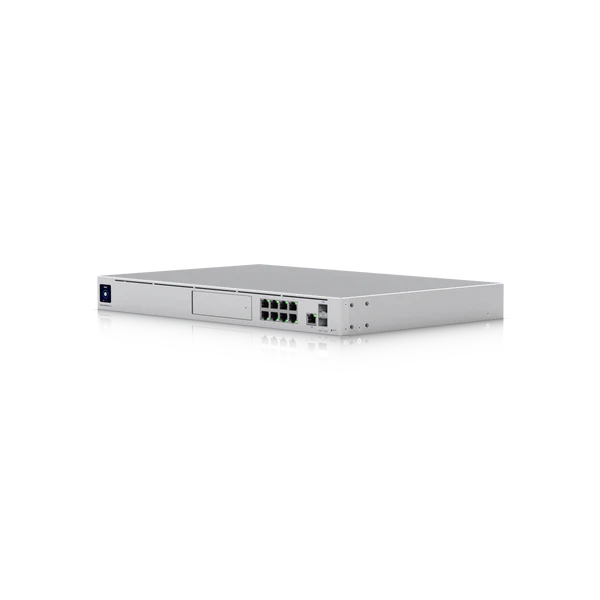
| SABTS Dream Machine Pro | UDM-Pro (#2) | Sanctuary Network Rack |
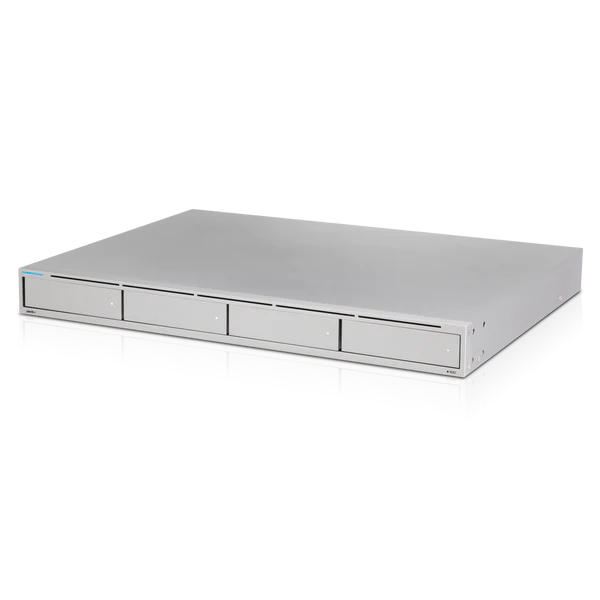
| SABTS UNVR | UNVR | Sanctuary Network Rack |
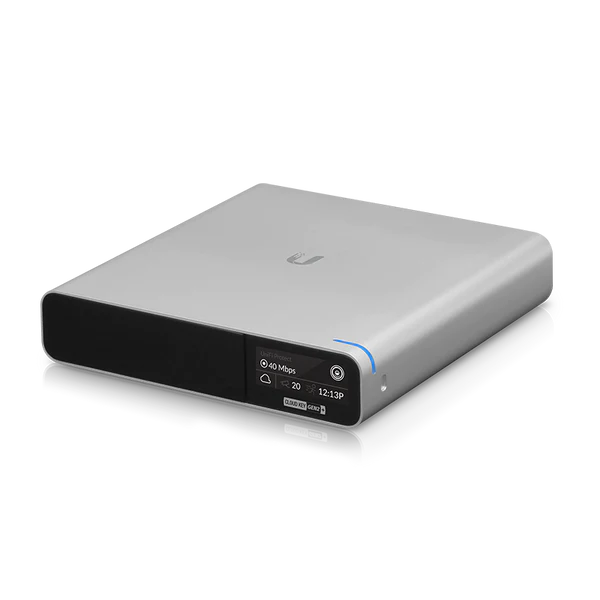
| Alton's Cloud Key Gen 2 Plus | UCK-G2-PLUS | Backup unit - Alton has it |
| BNIB Dream Machine Pro | UDM-Pro (#3) | Unused warranty unit - Alton has it |
The Cloud Key is intended to be a spare in case the Dream Machine Pro ever fails. However if the UDM Pro were to fail, everything would need to be set up again on the Cloud Key. The UDM Pro backups to the cloud and those backups can only be restored onto another UDM Pro, not a Cloud Key.
Phones
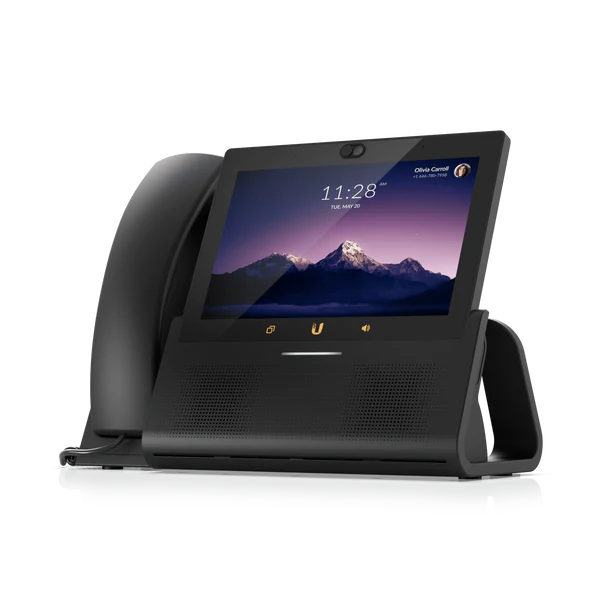
The names correspond with the names in the web interface for UniFi Talk
| Name | Model | Location |
|---|
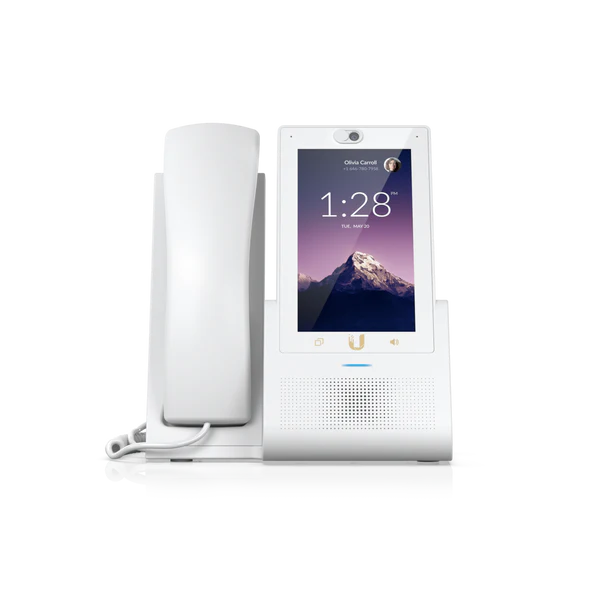
| 5EB1 | UTP-TOUCH | Director of Program Ministries' Office |
| 5C80 | UTP-TOUCH | Pastor's Office |
| 55C6 | UTP-TOUCH | Office Manager's Office |
| 53D4 | UTP-TOUCH | SS2 |
| 0CCA | UTP-TOUCH-MAX | Front Office Desk |
| UTP-TOUCH | UTP-TOUCH-MAX |
|---|
 |  |
Access Points
| Name | Model | Location |
|---|
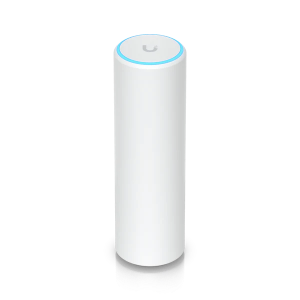
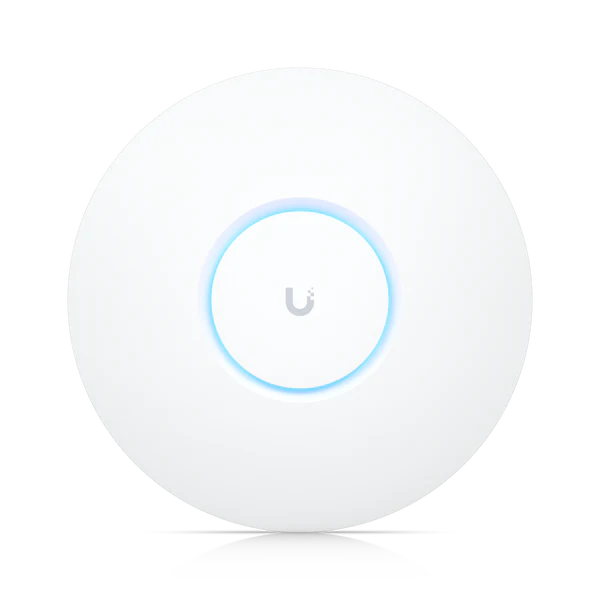
| U6-LR Sanctuary | U6-LR | Main Sanctuary (Underside of balcony) |
| U6-Mesh Sanctuary | U6-Mesh | Main Sanctuary (Sound booth) |
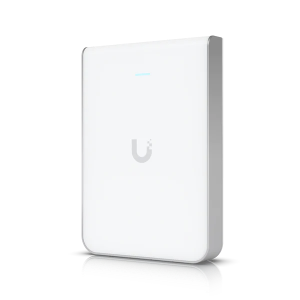
| U6-IW | U6-IW | Children's Center |
| U6-IW Choir Room | U6-IW | Choir Room |
| U6-LR FH Front Office | U6-LR | Front Office |
| U6-LR Youth | U6-LR | Youth Room |
| U6-LR FH Main | U6-LR | Main FH |
| U6-Mesh Office | U6-Mesh | Director of Program Ministries' Office |
| FH-U6-Lite (Brides Room) | U6-Lite | GMMA Brides Room |
| None (Spare) | U6-Lite | Unopened spare AP located in sound booth |
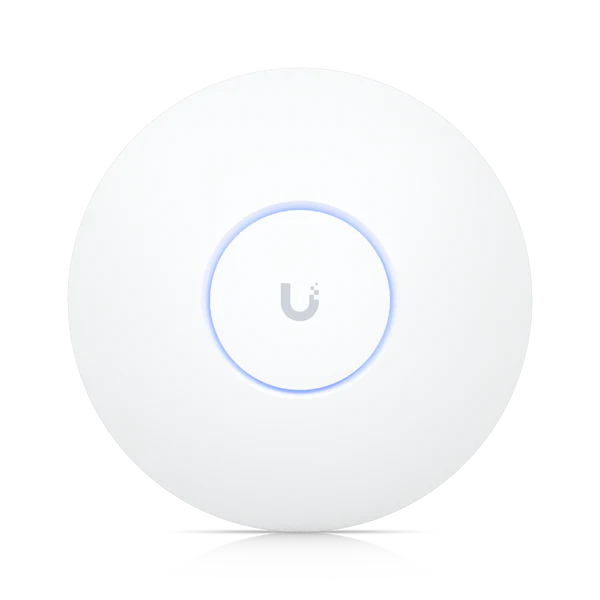
All the access points are in the U6 line, for consistency and the latest generation and fastest speeds.
The U6-Lite looks very similar in the pictures, but is much smaller than the U6-LR
The Ubiquiti logo was changed after the access points were purchased, so the logos in the images shown do not reflect the actual installed access points.
Cameras
| Name | Model | Location |
|---|
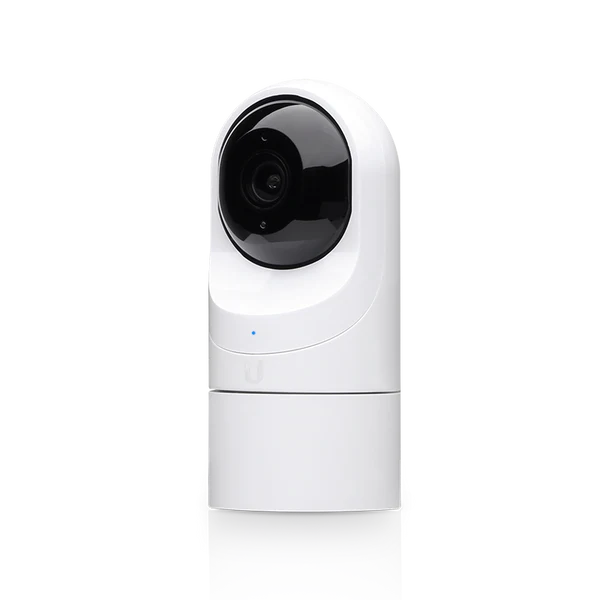
| G3 Flex | G3 Flex | Front office, facing cliff |
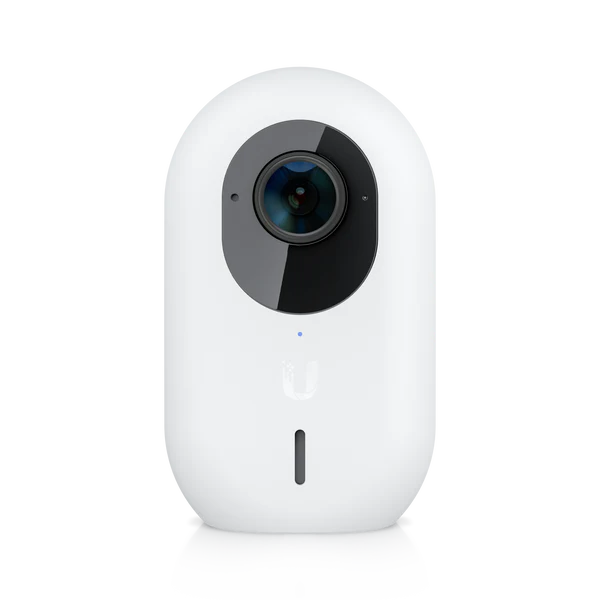
| G3 Instant | G3 Instant | Office Manager's Office |
| G3 Instant | G3 Instant | FH Fireside Lounge |
| G3 Flex | G3 Instant |
|---|
 |  |
Switches
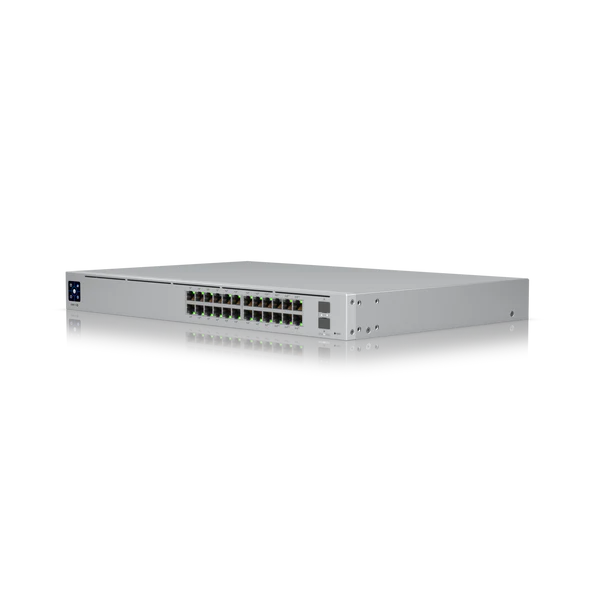
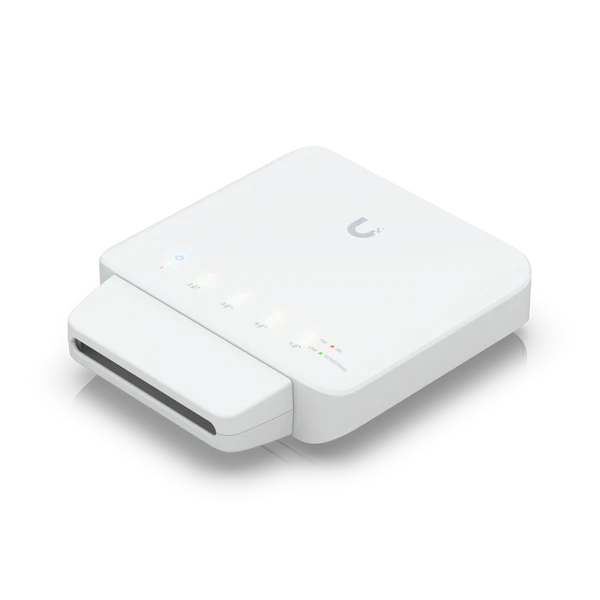
| USW-Pro-24-PoE | USW-Flex |
|---|
 |  |
Backbone Switches
| Name | Model | Location |
|---|
| USW-Pro-24-PoE SB | USW-Pro-24-PoE | Sanctuary Sound Booth |
| USW-Pro-24-PoE FH | USW-PRO-24-POE | Fellowship Hall Janitor's Closet |
The Dream Machine Pro connects to the FH switch via a fiber optic line
Branch Switches
| Name | Model | Location |
|---|
| USW-Flex SB Rock Room | USW-Flex | Sanctuary Rock Room |
| USW-Flex FH Office | USW-Flex | Director of Program Ministries' Office |
The USW Flex switches are powered by PoE from the backbone switches, and then distribute the power to devices connected to them, sort of like a splitter. Because of this, they must be plugged into PoE++ ports on the backbone switches. There are 8 of these ports per backbone switch, and they're marked with ⚡++, as opposed to the ⚡+ on the normal PoE+ ports.
While this table lists the locations of the switches, they are somewhat discrete, and won't be visible as soon as you walk into their general locations.
Accessories
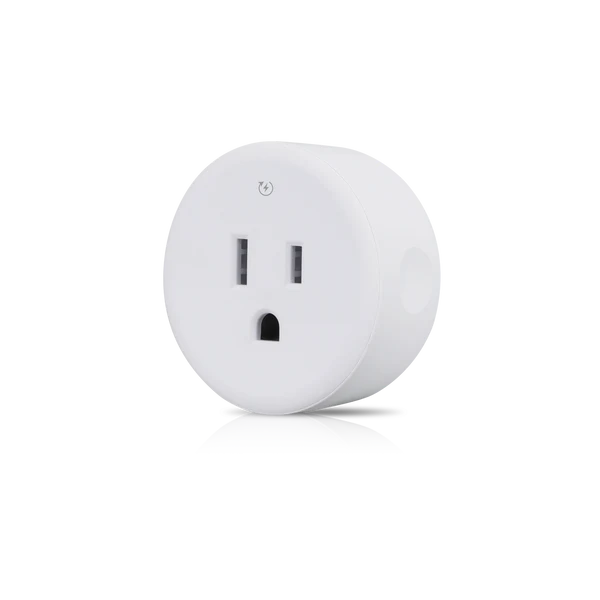
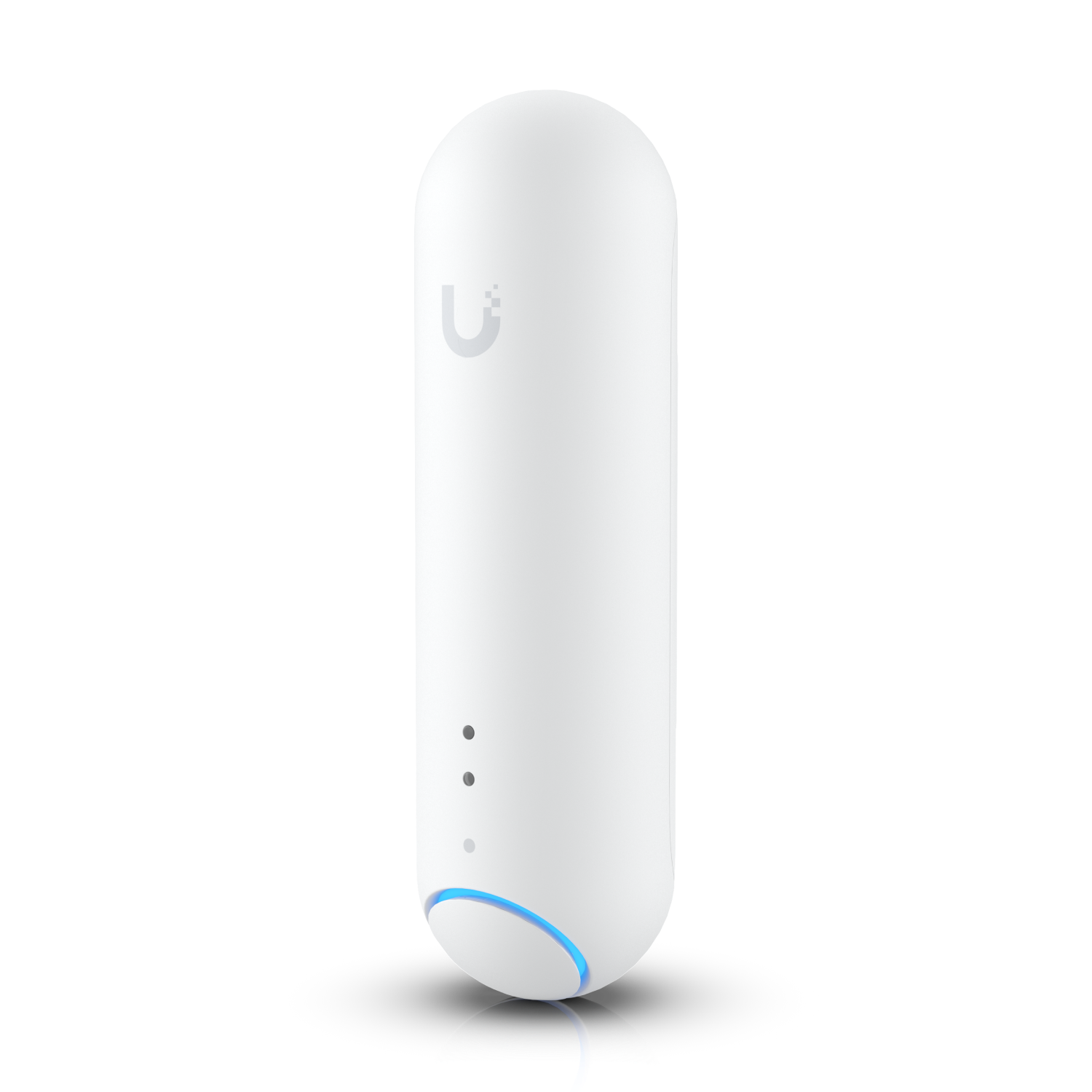
| USP-Plug | UP-Sense |
|---|
 |  |
| Name | Model | Location |
|---|
| USP-Plug | USP-Plug | Sanctuary Sound Booth |
| UP-Sense | UP-Sense | Under balcony in main sanctuary |