Livestream
Streaming PC
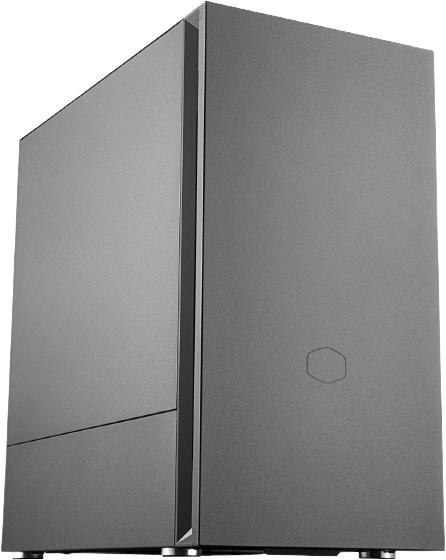
The streaming PC is responsible for taking in the video and audio from the Atem Mini and the SQ-5, merging them together, adding a little logo, and then sending it all off to YouTube, SABTS.Live, and any other platforms should they be added in the future. It also handles the Stream Decks and Bitfocus Companion for easy control of almost all of the A/V equipment.
More details on the Streaming PC can be found here
OBS Studio
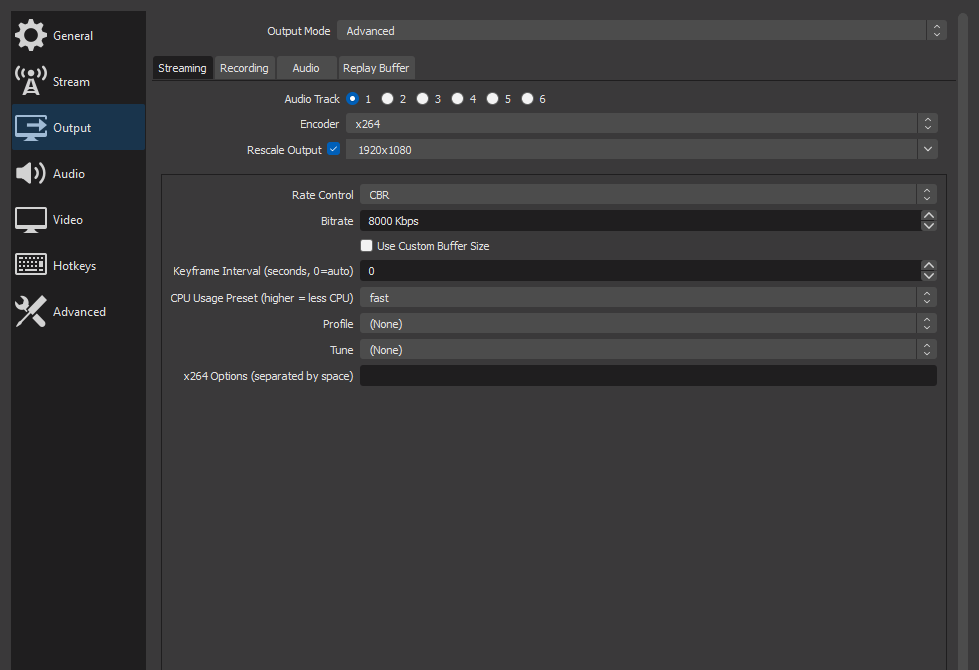
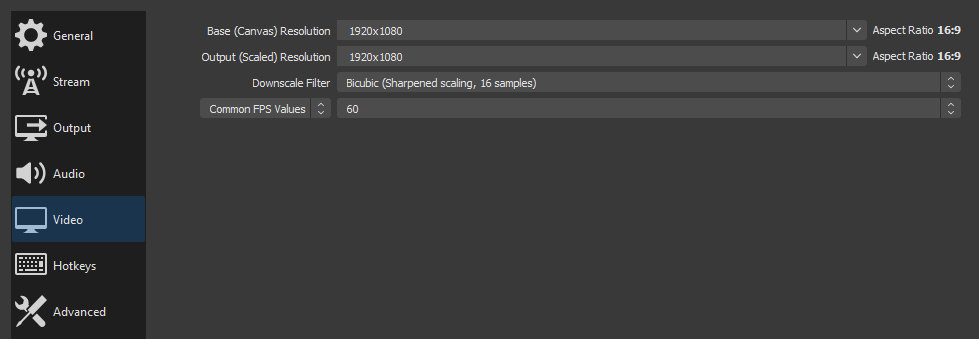
OBS is configured to launch automatically on the streaming PC. It has two scenes, one for pre-stream with a looping stream starting soon video, and a stream scene, with the Atem as the main video input, the SQ-5 as the main audio input, and a looping SABTS logo/watermark. OBS is configured to stream at 1080p 30fps with a bitrate of 6000kbps.
OBS Studio is a free and open source piece of software, and while it's generally excellent at what it does, updates can cause issues and instabilities. It is not recommended to update OBS Studio unless absolutely necessary, and if necessary, updates should be performed well in advance of any services so ample time is left to iron out any potential issues.
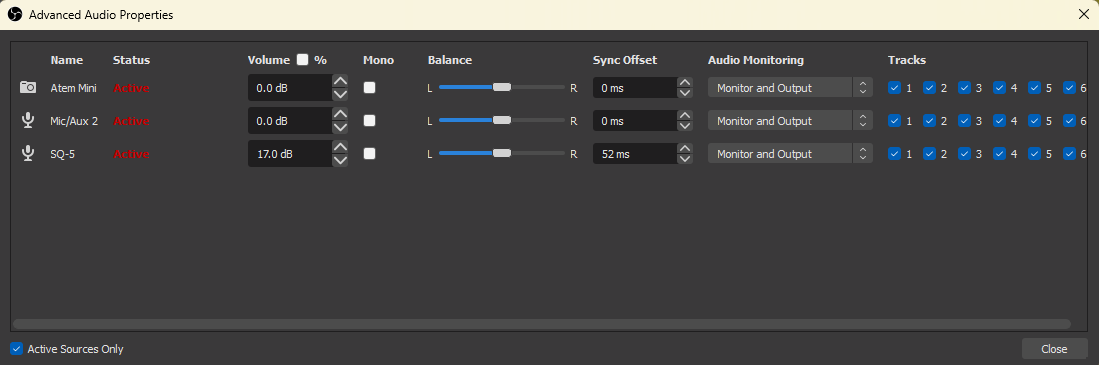
There is a ~52ms delay between the video and audio going into OBS, so ensure that there is a 52ms offset set in the advanced audio properties page to make sure video and audio stay synced up.
Companion
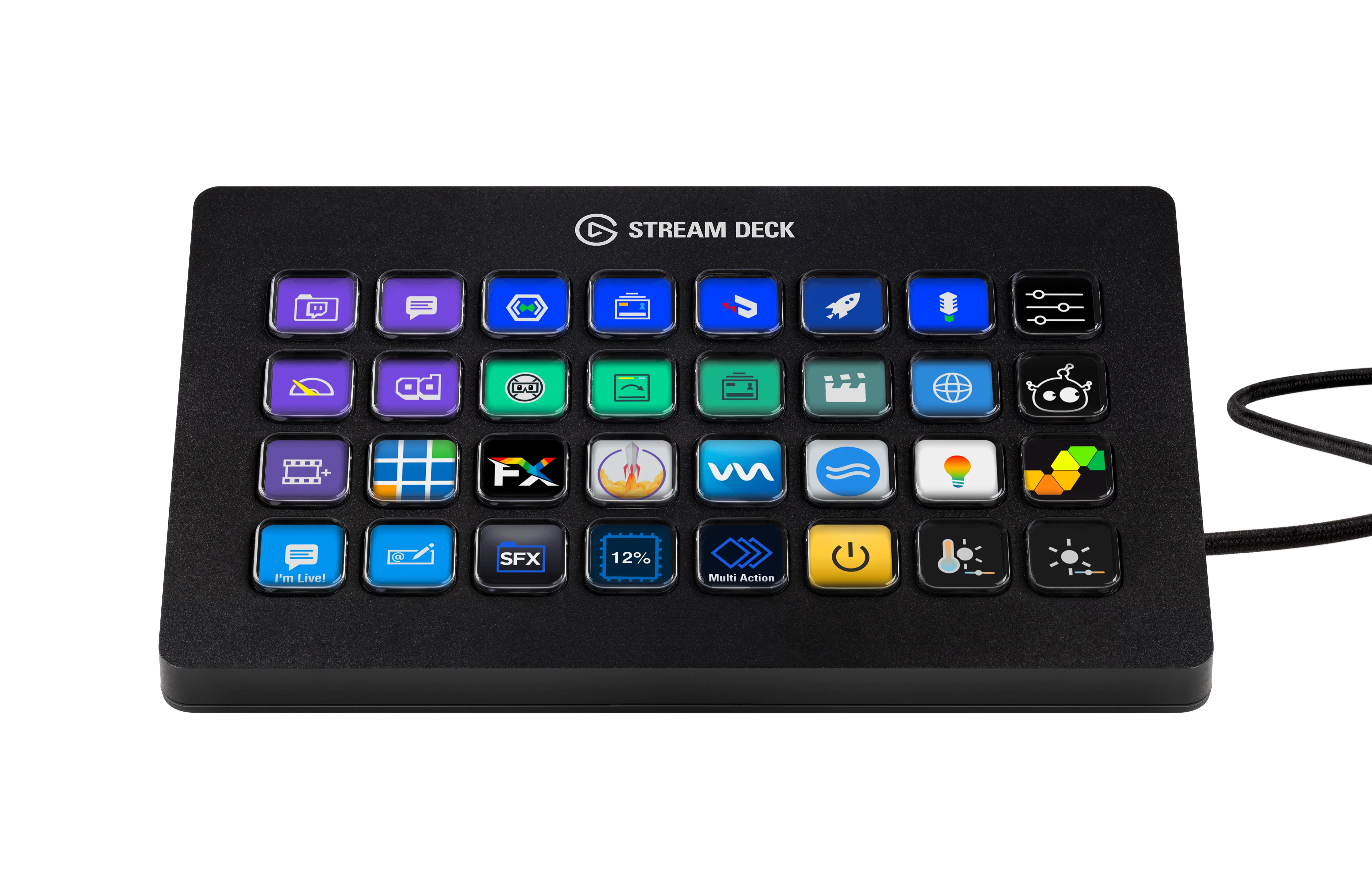
Bitfocus Companion is an incredible piece of software that controls everything. It runs on the streaming PC and uses the Stream Deck XLs as control surfaces. It's connected to every single networked A/V device in the system including the mixer, the Atem, ProPresenter, and the Sony PTZ cameras.
It provides pages of buttons on the Stream Decks to change inputs on the Atem, custom picture in picture (PIP) buttons that size the PIP window correctly in the right spots, buttons to change slides and more in ProPresenter on the Mac, 8 preset buttons per PTZ camera, and the doom button.
Doom button
It's a button with a "this is fine" image on it on the bottom right corner of page 3. It should be pushed if everything crashes and burns. It will (possibly): mute the mains, cut the livestream, and change the Atem output to colored bars.
Config
Download the Companion Config as of 5/28/2023
Peripherals / Control Surfaces
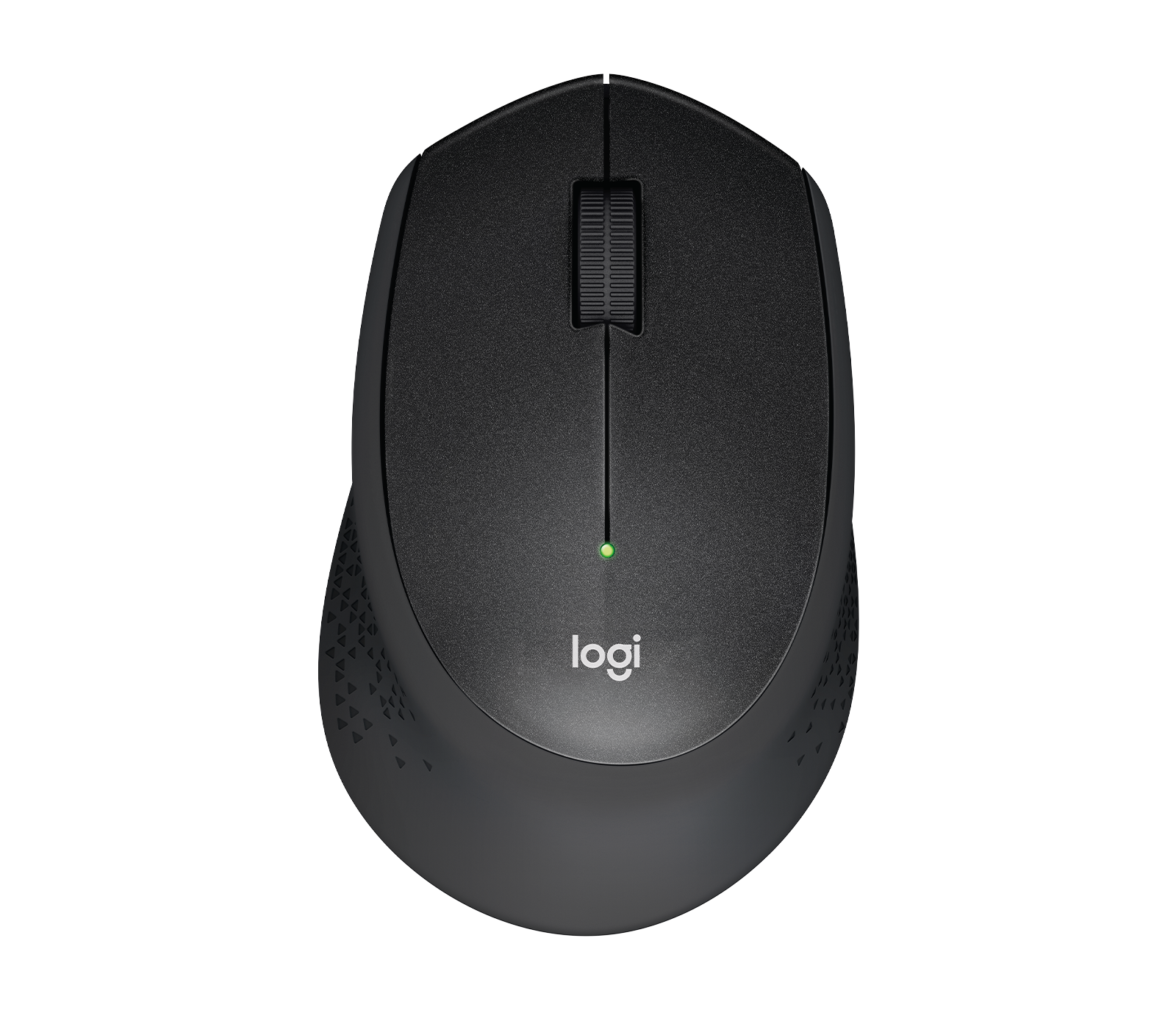
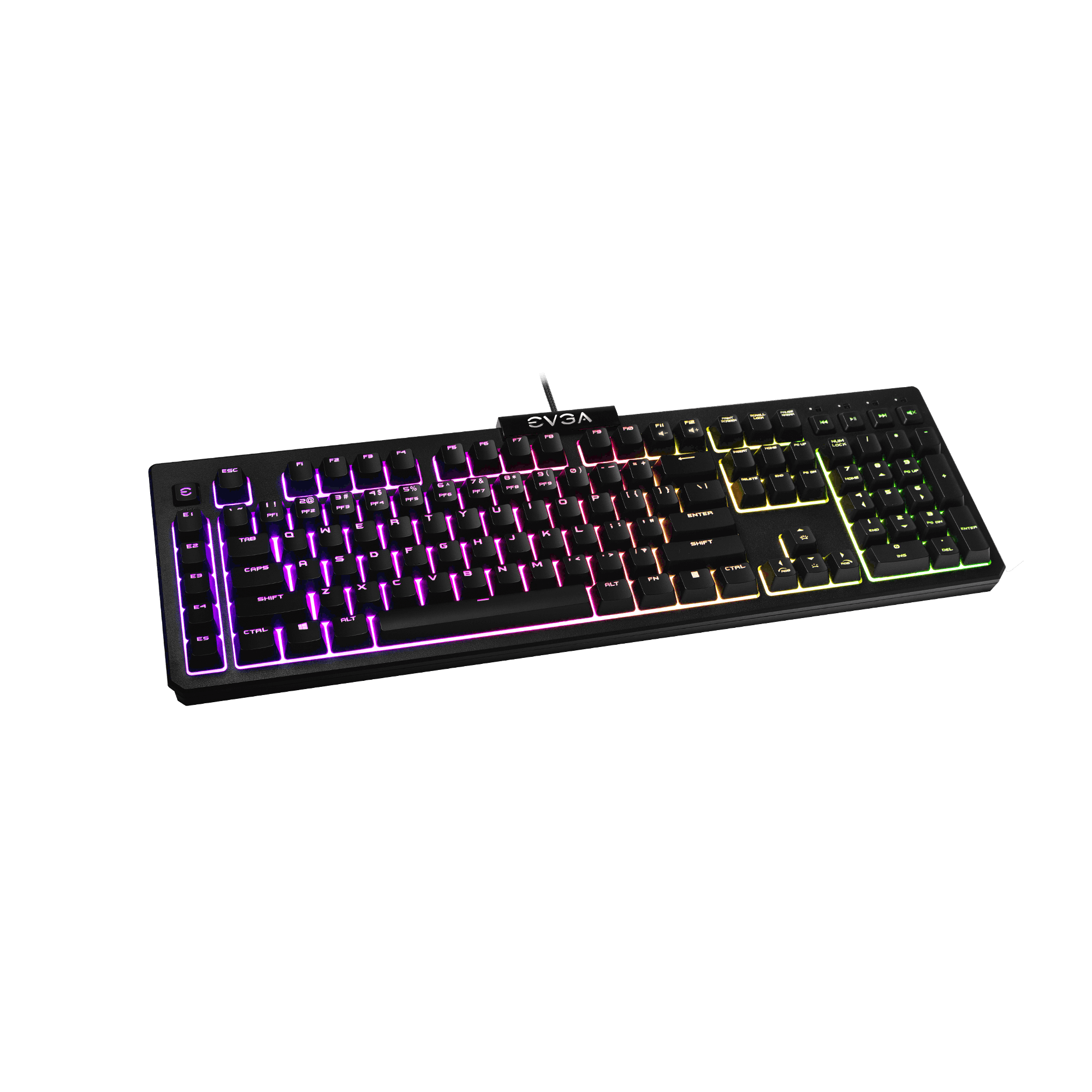
| Stream Deck XL (x2) | Logitech M330 Silent | EVGA Z12 |
|---|---|---|
 |  |  |
Cameras
| BMPCC 4K | SRG-X400 (2x) |
|---|---|
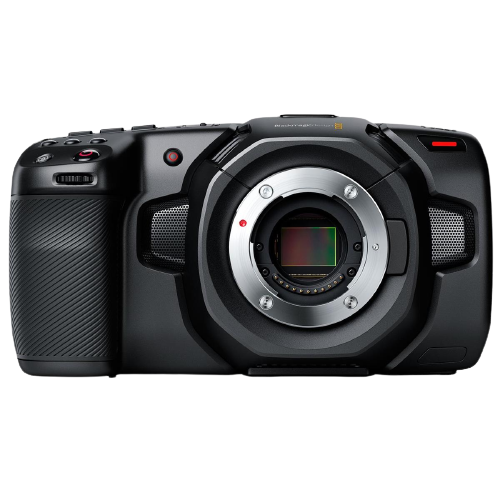 | 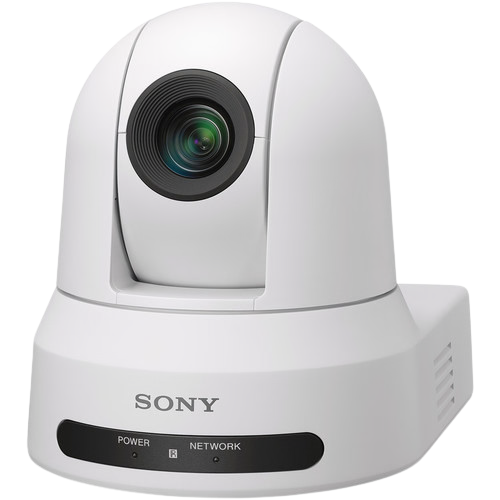 |
The livestream setup consists of 1 Blackmagic Pocket Cinema Camera 4K (BMPCC 4K) and 2 Sony SRG-X400 PTZ cameras for the camera angles.
The BMPCC 4K is intended to be used as the wide shot, however it's lens can zoom in significantly, so if wanted, it could be used as a close up shot. It's also a cinema camera and it's equipped to record anywhere, it just needs to be detached from the tripod and given an external Sony NPF battery so that it can record for longer than 25 minutes without draining the battery.
The Sony PTZ cameras are mounted on top and bottom of the center of the balcony. The top one is CAM 3 on the ATEM, and the bottom is CAM 4. CAM 3 is intended for wider shots of the band, choir, etc., and CAM 4 is intended for speakers at the lectern, on stage, mystery box, etc, or anywhere where a closer in shot at a more straight on angle is useful.
Atem
| Atem Mini Pro |
|---|
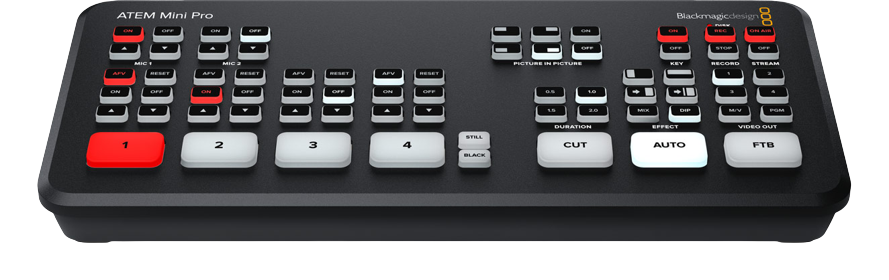 |
The Atem Mini Pro is a production video switcher. It takes all the camera feeds and ProPresenter output and allows for easy and smooth transitioning between them as well as a picture in picture option to show the ProPresenter ouput in the corner of the livestream.
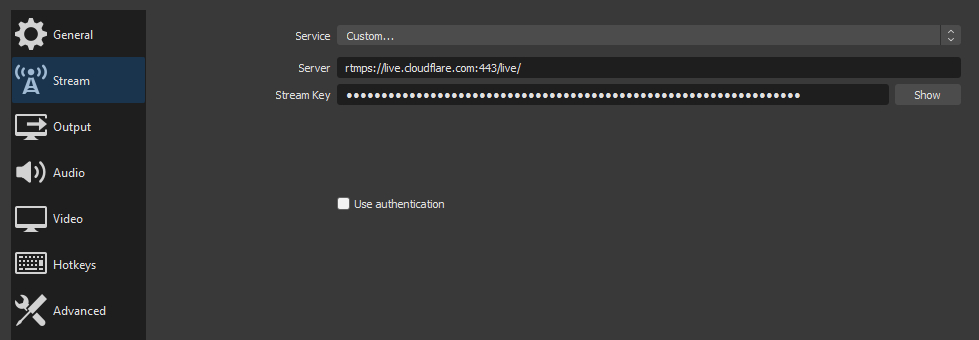
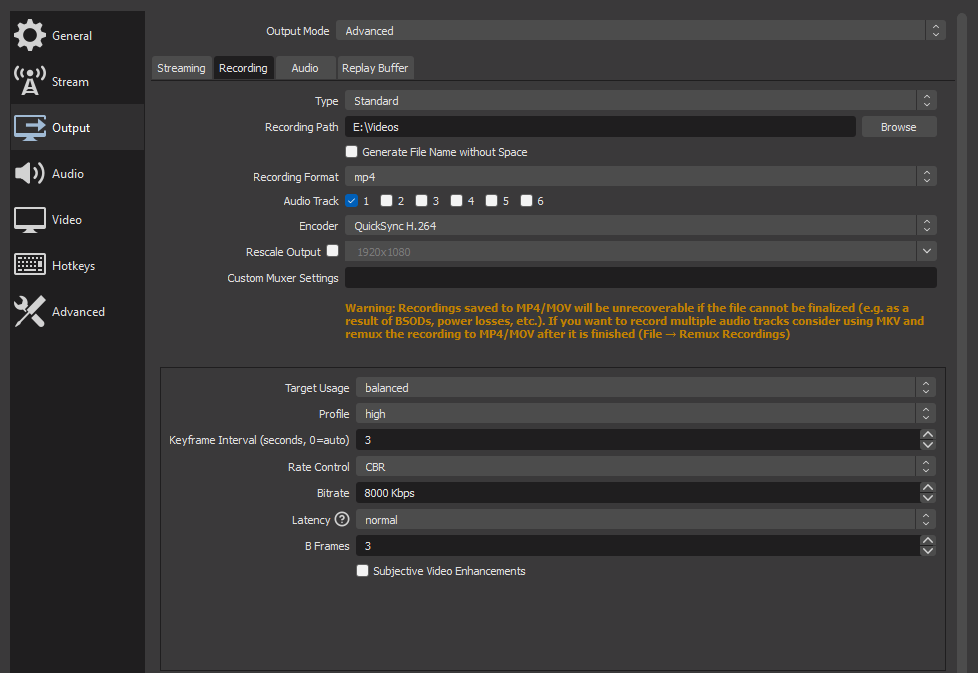
OBS Screenshots
Here are additional screenshots documenting some of the settings. Some of these are no longer accurate, for example, we moved to 1080p 30fps as opposed to 60fps, and the bitrate was reduced to 6000kbps from 8000kbps to reflect that.